The latest M.1 firmware brings improved knock detection algorithms, new CAN bus profiles, and critical stability fixes. We know how important reliability and precise tuning are for your setup. That is why our engineering team has focused heavily on refining the core systems you rely on every day.
This update ensures your M.1 unit operates smoother and communicates better with your existing hardware. Below is a detailed breakdown of everything included in version 3.2.
New Features
The v3.2 update introduces several highly requested features designed to give tuners more control and better integration options.
Advanced Knock Detection Improvements
Engine safety is always a top priority. We have completely overhauled the knock detection algorithms in this release. The M.1 now filters out background engine noise much more effectively. This allows the system to identify true knock events with higher precision, even at high RPMs. As a result, tuners can push performance limits safely without triggering false alarms or unnecessary timing retards.
Expanded CAN Bus Profiles
Integration just got easier. Version 3.2 adds several new CAN bus profiles to the system. You can now seamlessly connect the M.1 to a wider variety of popular aftermarket digital dashes, data loggers, and power distribution modules. This plug-and-play functionality reduces setup time and ensures you get accurate, real-time data exactly where you need it.
Critical Stability Fixes
Alongside the new features, we have addressed several bugs reported by our community. This update includes critical stability fixes that improve the overall user experience.
Specifically, we resolved an issue that occasionally caused minor data dropouts during extended logging sessions. The internal memory management has also been optimized. This prevents unexpected reboots when saving complex configuration files. Your M.1 will now run more efficiently, giving you complete peace of mind during long track days or dyno sessions.
Get Your System Up to Date
Keeping your hardware updated ensures you get the best possible performance and protection for your engine. Upgrading to firmware v3.2 takes just a few minutes.
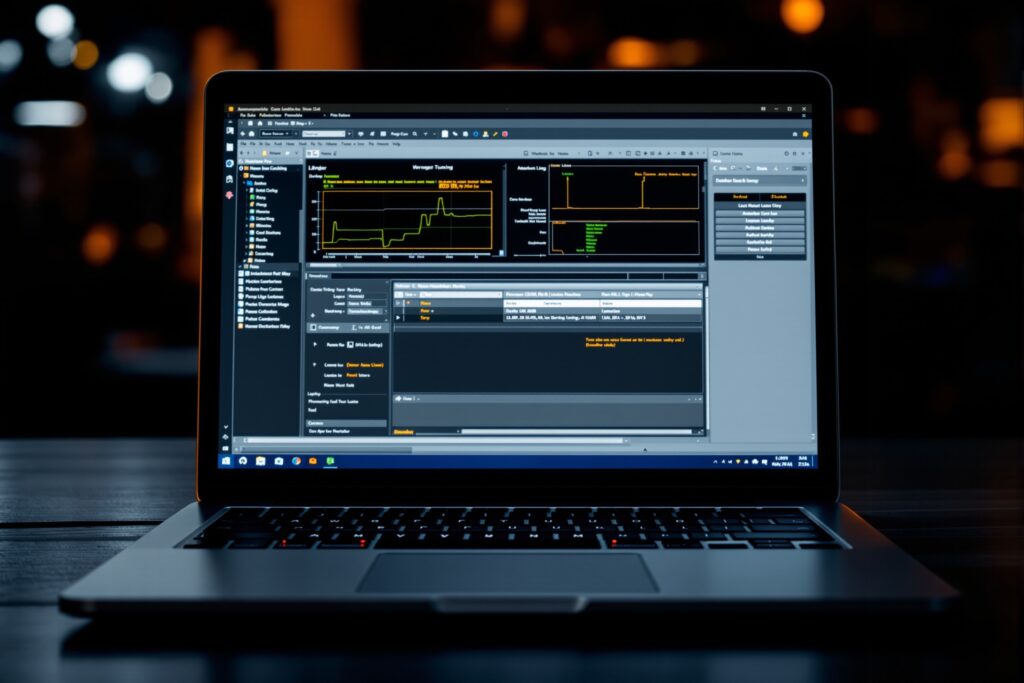
To get started, open your M.1 tuning software and connect your device. Navigate to the “Help” menu and select “Check for Updates” to download version 3.2 directly. Alternatively, you can download the firmware file from our website’s support portal and flash it manually. Be sure to save a backup of your current calibration before starting the update process.